
Services in Rind are process definitions that are managed, supervised, and triggered by the system’s Flow state. Services are reactive; they start, stop, or restart based on States and Signals, and can be branched into multiple instances.
Core Execution
The basic unit of execution defines what command to run and its environment.
name: The unique identifier for the service.run: Defines the execution command, arguments, and environment variables.
[[service]]
name = "web-server"
run.exec = "/usr/bin/nginx"
run.args = ["-g", "daemon off;"]
run.env = { "CONF_PATH" = "/etc/nginx/nginx.conf" }
Lifecycle Triggers
 Services interact with the Flow system via
 start-on and stop-on conditions.
start-on: A list of conditions that must all be met (AND logic) for the service to start.stop-on: A list of conditions where any single match (OR logic) will trigger the service to stop.
[[service]]
name = "app-worker"
run.exec = "/usr/bin/worker"
# Starts when 'network-up' state is active
start-on = ["net@configured"]
# Stops if 'maintenance-mode' state is activated
stop-on = ["net@maintenance-mode"]
Dependency Ordering

after: Ensures this service only starts after the specified services have successfully entered an active state.
[[service]]
name = "api-gateway"
run.exec = "/usr/bin/gateway"
after = ["servers@web-server", "databases@database"]
Restart Policy

Defines the supervisor behavior when the service process exits.
restart: Can be a boolean (truefor always,falsefor never) or a table specifyingmax_retries.
[[service]]
name = "persistent-daemon"
run.exec = "/usr/bin/daemon"
restart = true

[[service]]
name = "fragile-task"
run.exec = "/usr/bin/task"
# Only restart on failure (non-zero exit) up to 5 times
restart = { max_retries = 5 }
Multi-Instance Branching
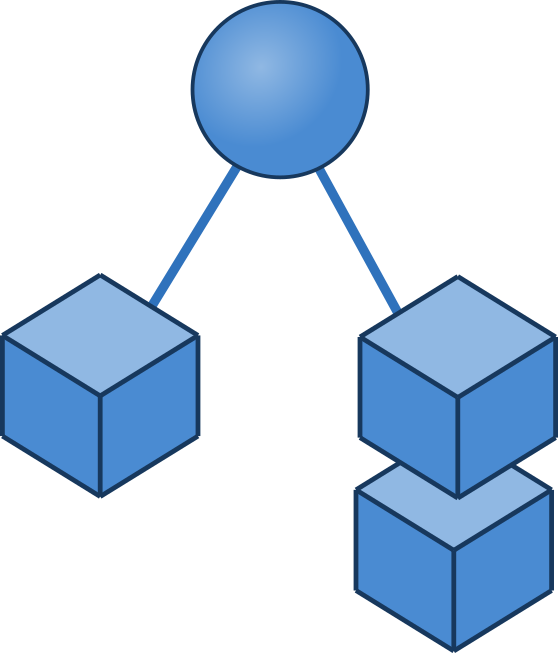
Branching allows a single service definition to spawn multiple unique instances based on a Branching State.
branching: Enables multi-instance behavior.source-state: The state whose branches drive the instances.key: The field in the state payload used to identify unique instances (defaults to"id").
[[service]]
name = "user-session"
run.exec = "/usr/bin/session-manager"
start-on = ["user-login"]
# Spawns a new instance for every unique 'username' in the 'user-login' state
branching = { enabled = true, source-state = "rind@user-login", key = "username" }
Transport & State Injection

Services can receive data from States directly into their environment variables or arguments at launch via Transport Protocols.
transport: Specifies how to inject state data using thestate:name/pathsyntax.
[[service]]
name = "db-client"
run.exec = "/usr/bin/client"
# Injects the value of 'db-config' payload into the DB_URL env var
transport = { id = "env", options = ["DB_URL=state:db-config@connection-string"] }
User Space & Resolution
space: Defines the execution context (system,user, oruser_selective).user-source: Dynamically resolves the system user from a state payload.
[[service]]
name = "user-file-sync"
run.exec = "/usr/bin/sync"
space = "user"
# Resolves the system user from the 'username' field of the 'active-session' state
user-source = { state = "rind@active-session", username-field = "username" }
Lifecycle Hooks (Triggers)
on-start/on-stop: Side-effects to perform when the service changes state, such as running scripts or emitting new Flow Components.
[[service]]
name = "backup-job"
run.exec = "/usr/bin/backup"
# Emit a signal when the backup process finishes
on-stop = [{ signal = "backup@complete", payload = "success" }]